How to Exit Vim
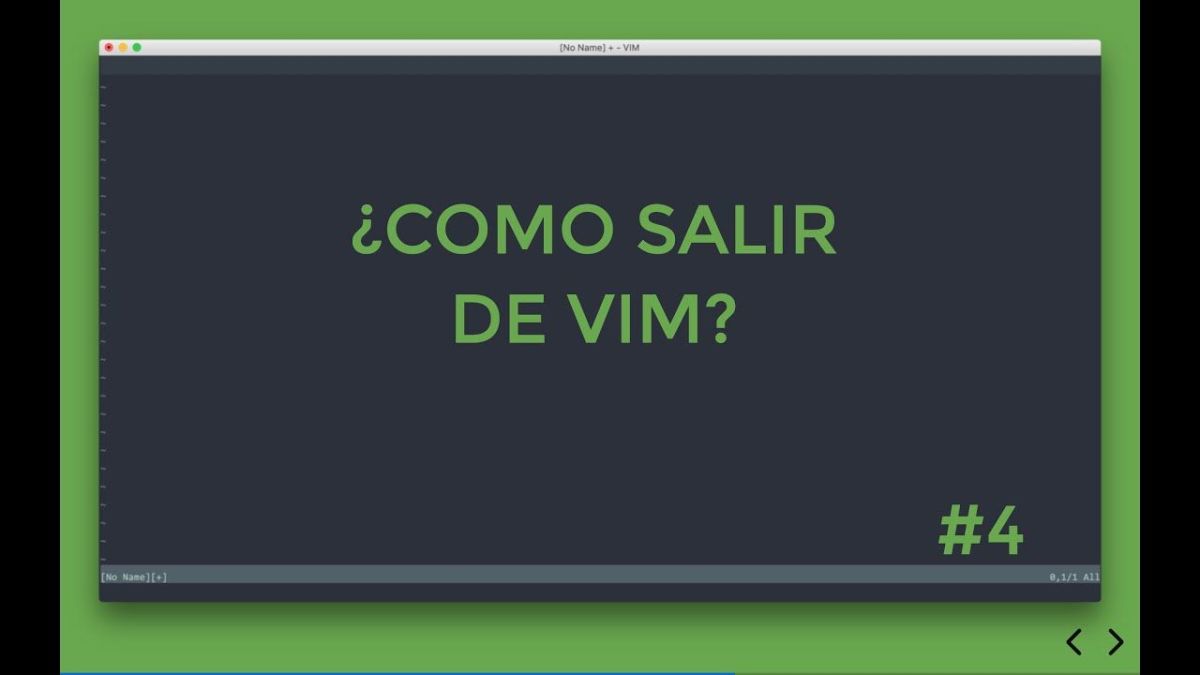
The Problem
You’ve just opened Vim, maybe by accident or because someone told you it’s a great editor. Now you’re stuck. You’ve tried everything — clicking, pressing random keys, nothing works. How do you get out?
This is one of the most common questions in the programming community, and for good reason. Vim’s modal editing model is powerful, but it’s not intuitive when you’re first starting out.
The Solution
Assuming you’re already inside the Vim editor without any pending modifications to save:
- Press the ESC key to make sure you’re in normal mode (you don’t need to understand what normal mode is for this action)
- Press colon (
:) followed by the letter q to get:
1
:q
- Press the ENTER key, and you’ll be out of Vim!
1
2
# The complete sequence
ESC + : + q + ENTER
What If You Have Unsaved Changes?
If you’ve made changes and try to quit with :q, Vim will show an error:
1
E37: No write since last change (add ! to override)
In this case, you have two options:
Option 1: Save and Quit
1
2
3
:wq
# or
:x
Option 2: Quit Without Saving
1
:q!
The ! forces Vim to quit even if you have unsaved changes.
Common Commands Reference
| Command | What It Does |
|---|---|
:q | Quit (no unsaved changes) |
:q! | Force quit (discard unsaved changes) |
:w | Write (save) file |
:wq | Write and quit |
:x | Write and quit (same as :wq) |
ZZ | Write and quit (shortcut) |
ZQ | Quit without saving (shortcut) |
What I Learned
Vim’s modal model makes sense once you understand it — The reason Vim is “hard” to quit is that it expects you to be in a specific mode. ESC always takes you to normal mode, which is the safe starting point for any command.
The basics are simple — You can be productive in Vim with just a handful of commands.
:q,:w,:wq, and movement keys cover 80% of use cases.Don’t be afraid — The worst thing that can happen is you lose your unsaved changes. Learn to save frequently, and you’ll be fine.
Keep learning — Once you can exit, you can start exploring. Vim’s efficiency comes from staying in the editor and using keyboard commands instead of reaching for the mouse.
Resources
- How to Exit Vim - Video on YouTube
- Vim Cheat Sheet
- Open Vim - Interactive Vim tutorial